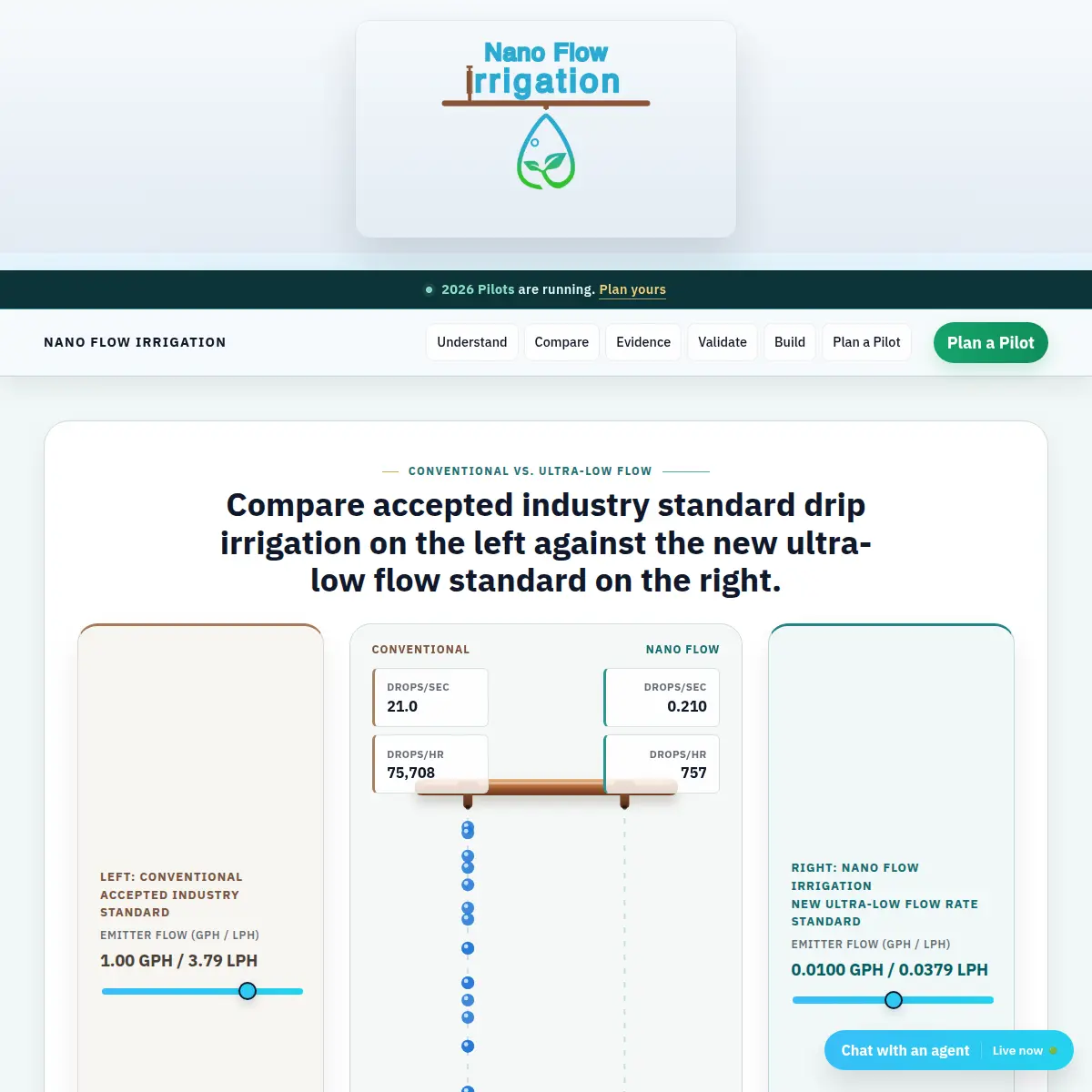
Nano Flow Irrigation
A technical product and business operations presence for an irrigation system entering field validation.
Visit projectFeatured small business solution
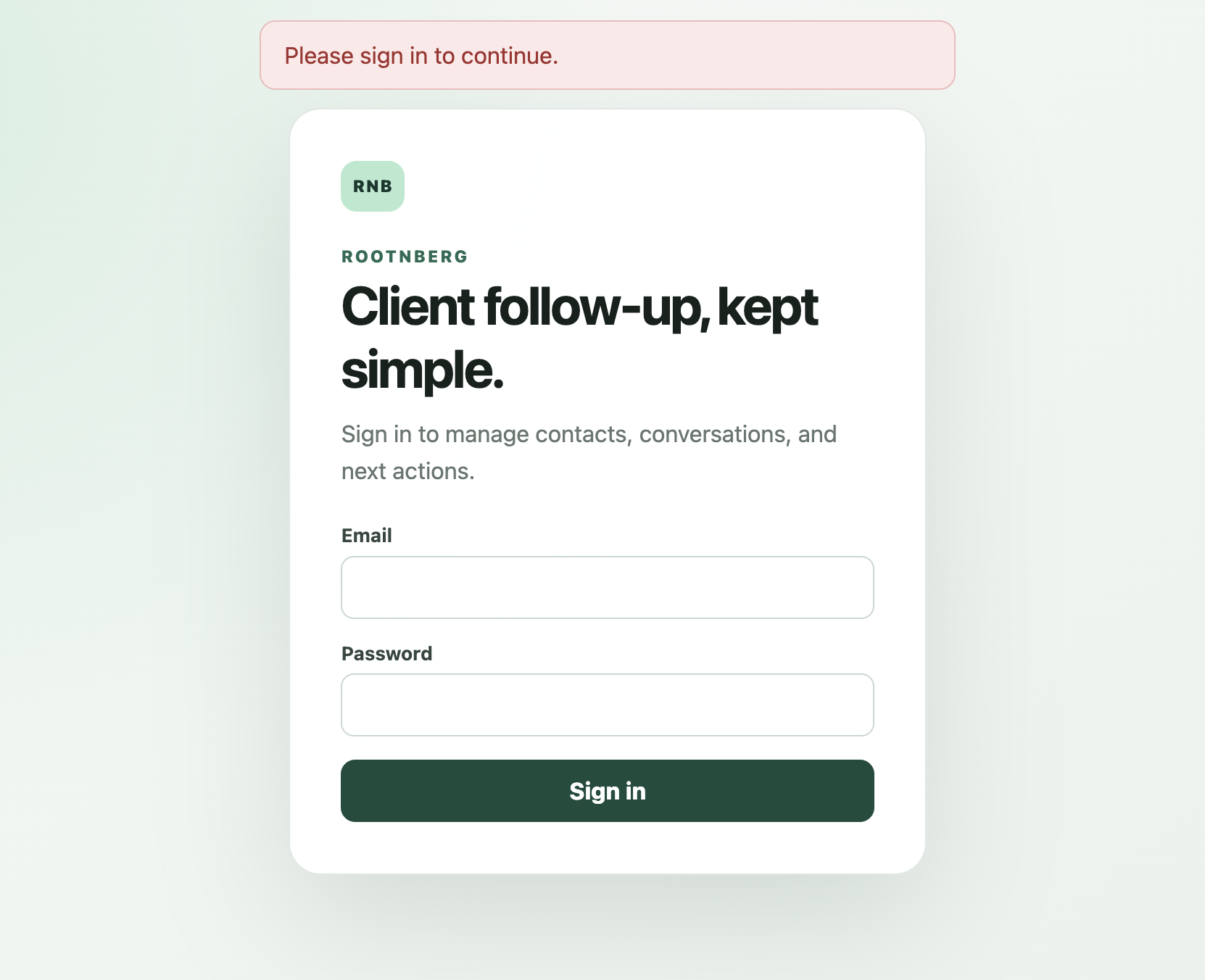
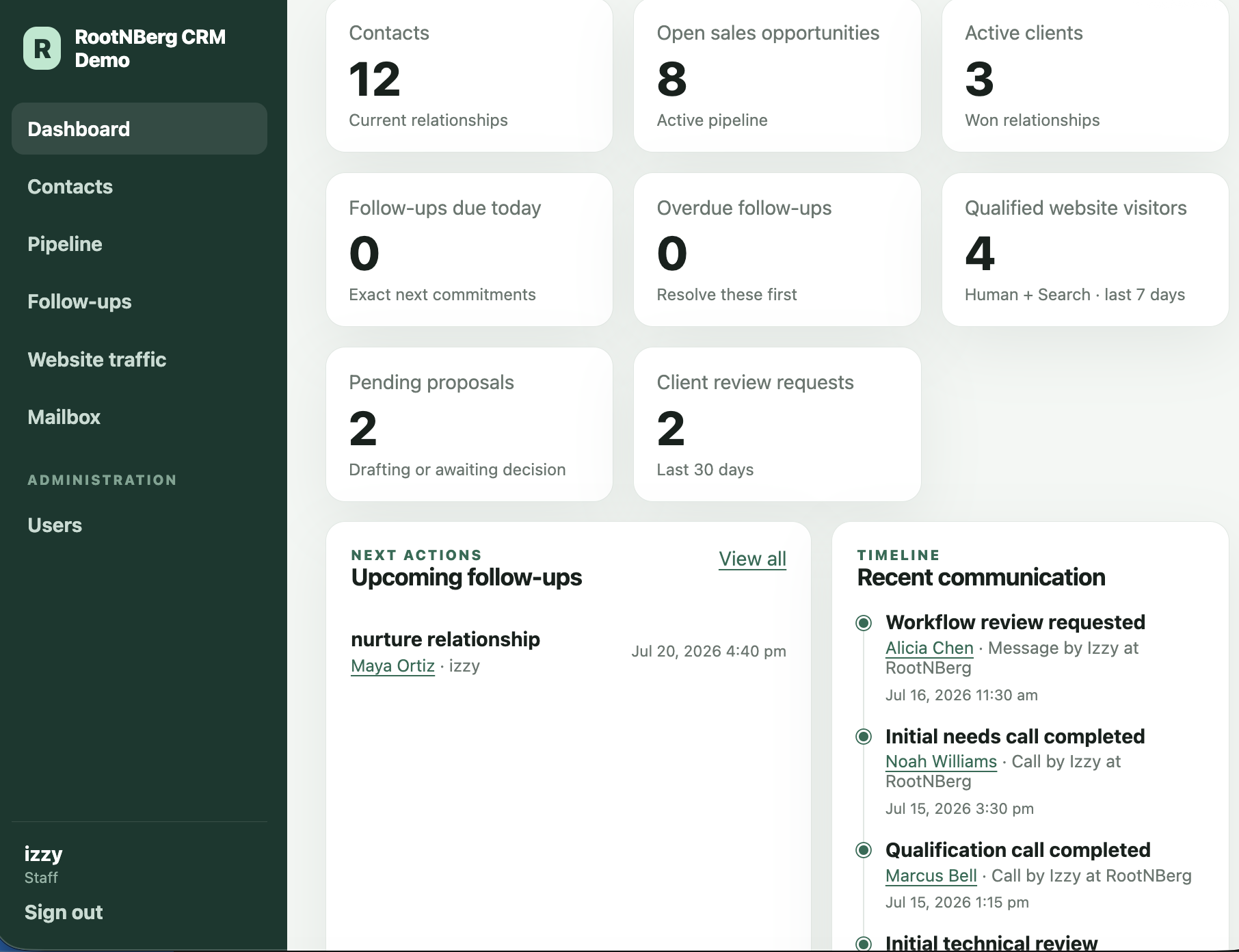
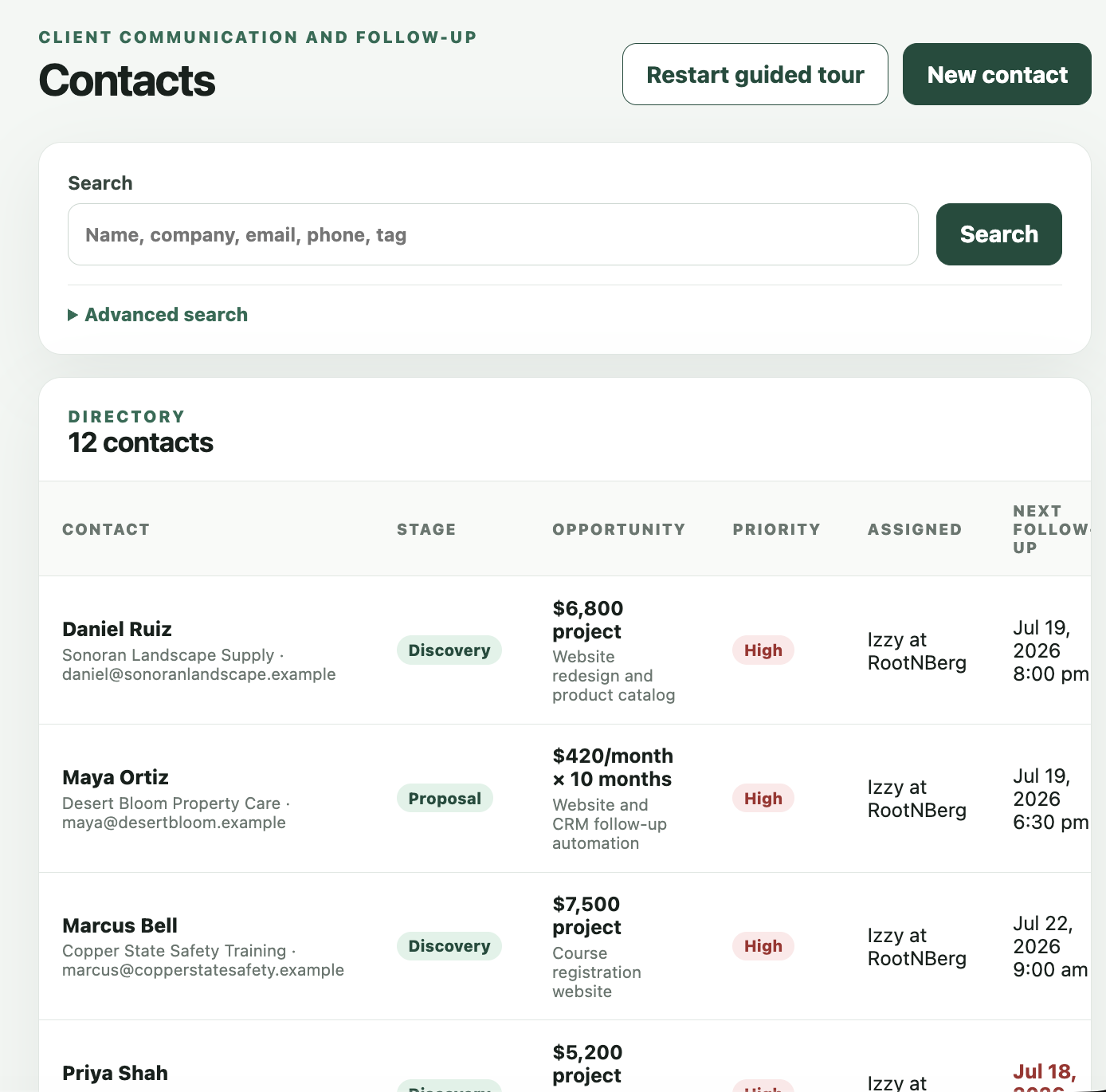
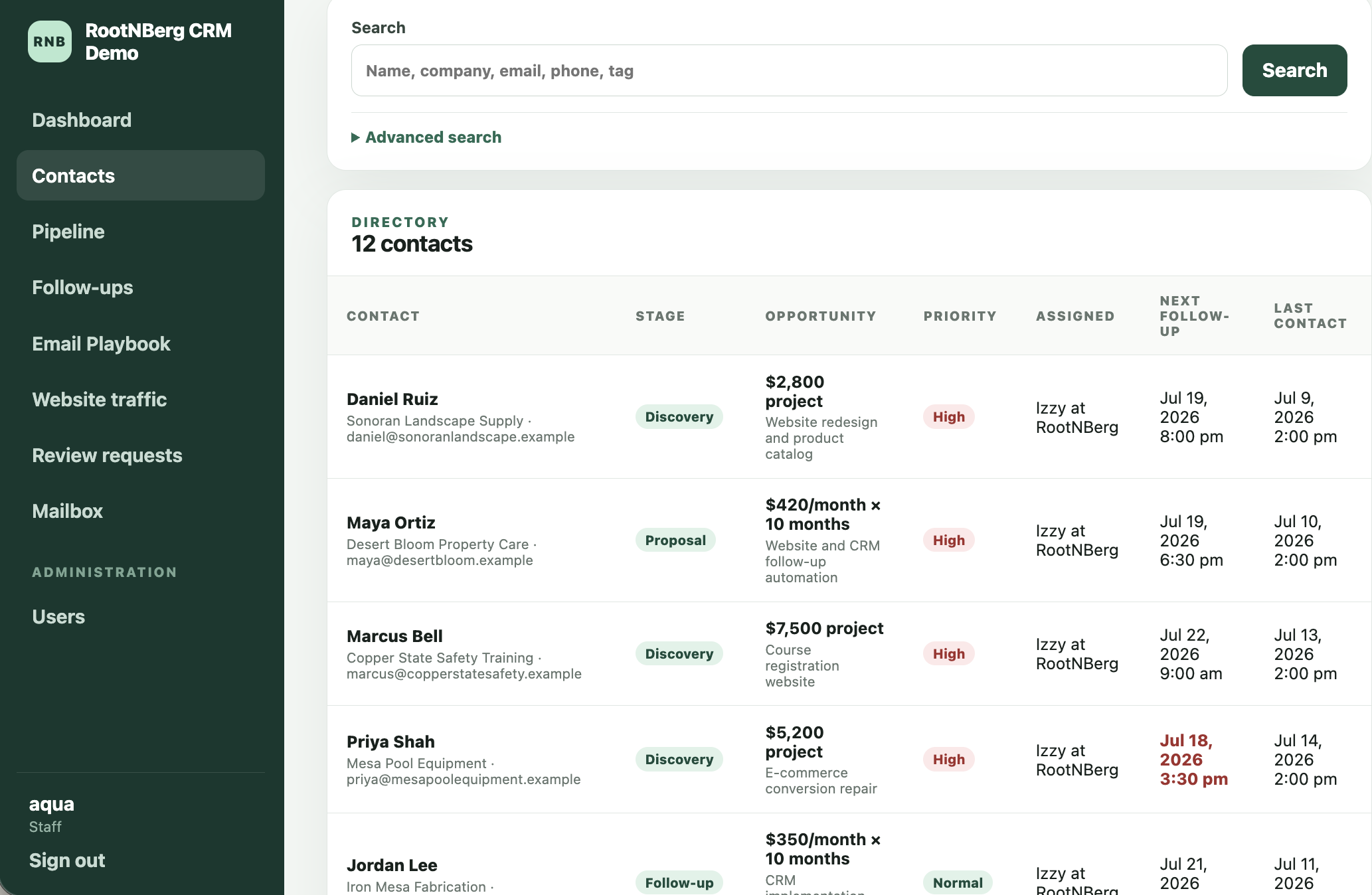
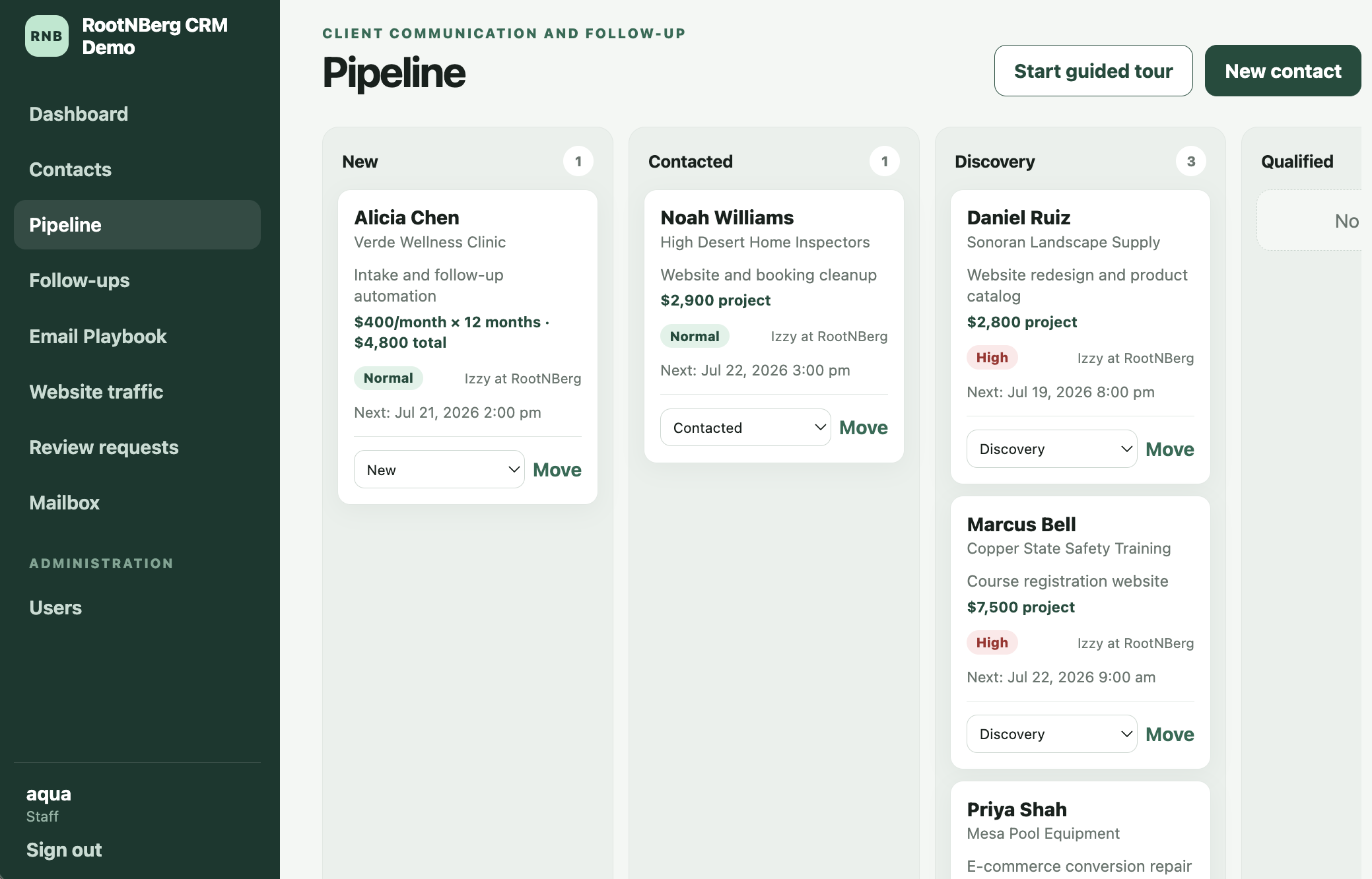
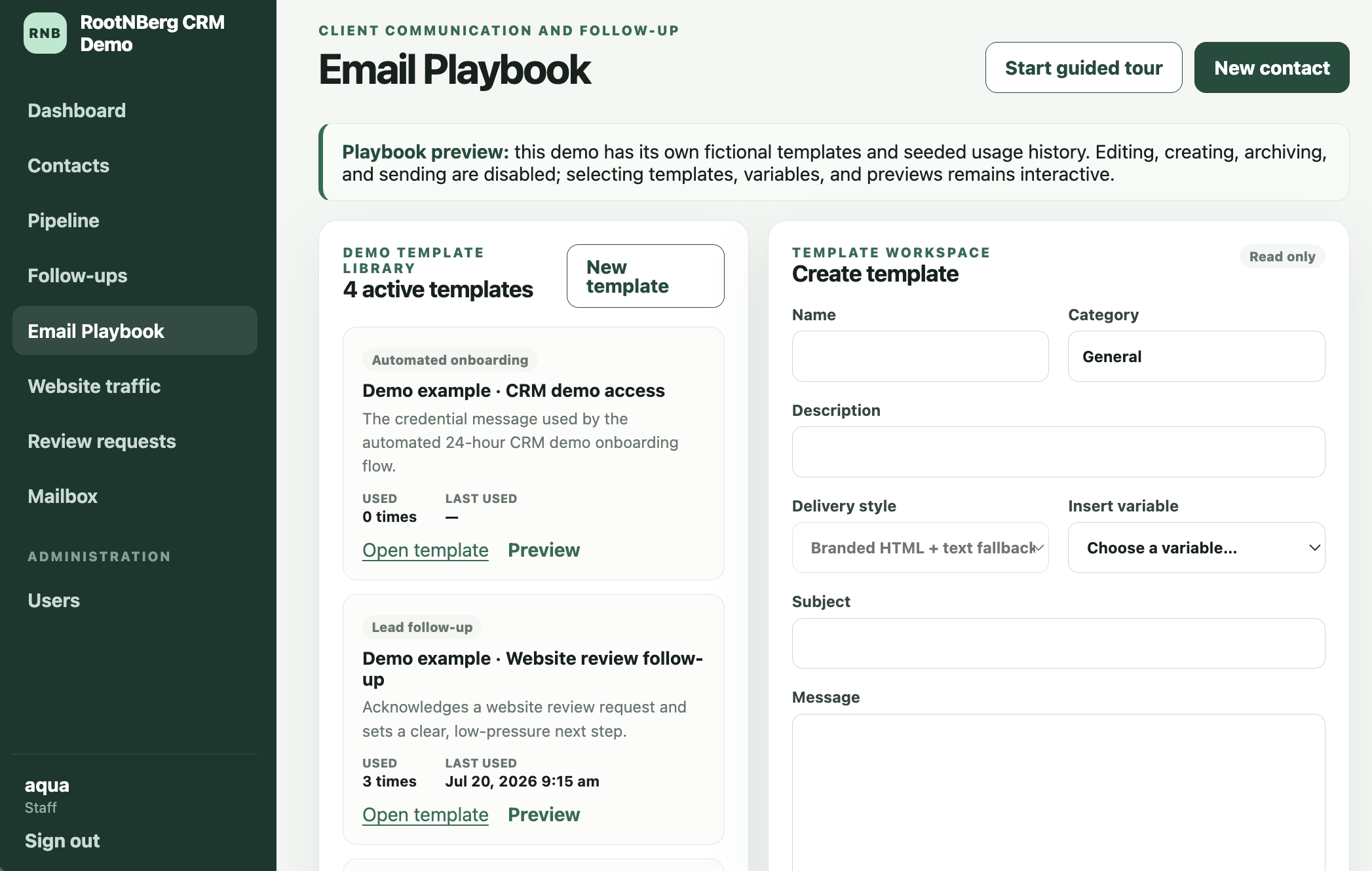
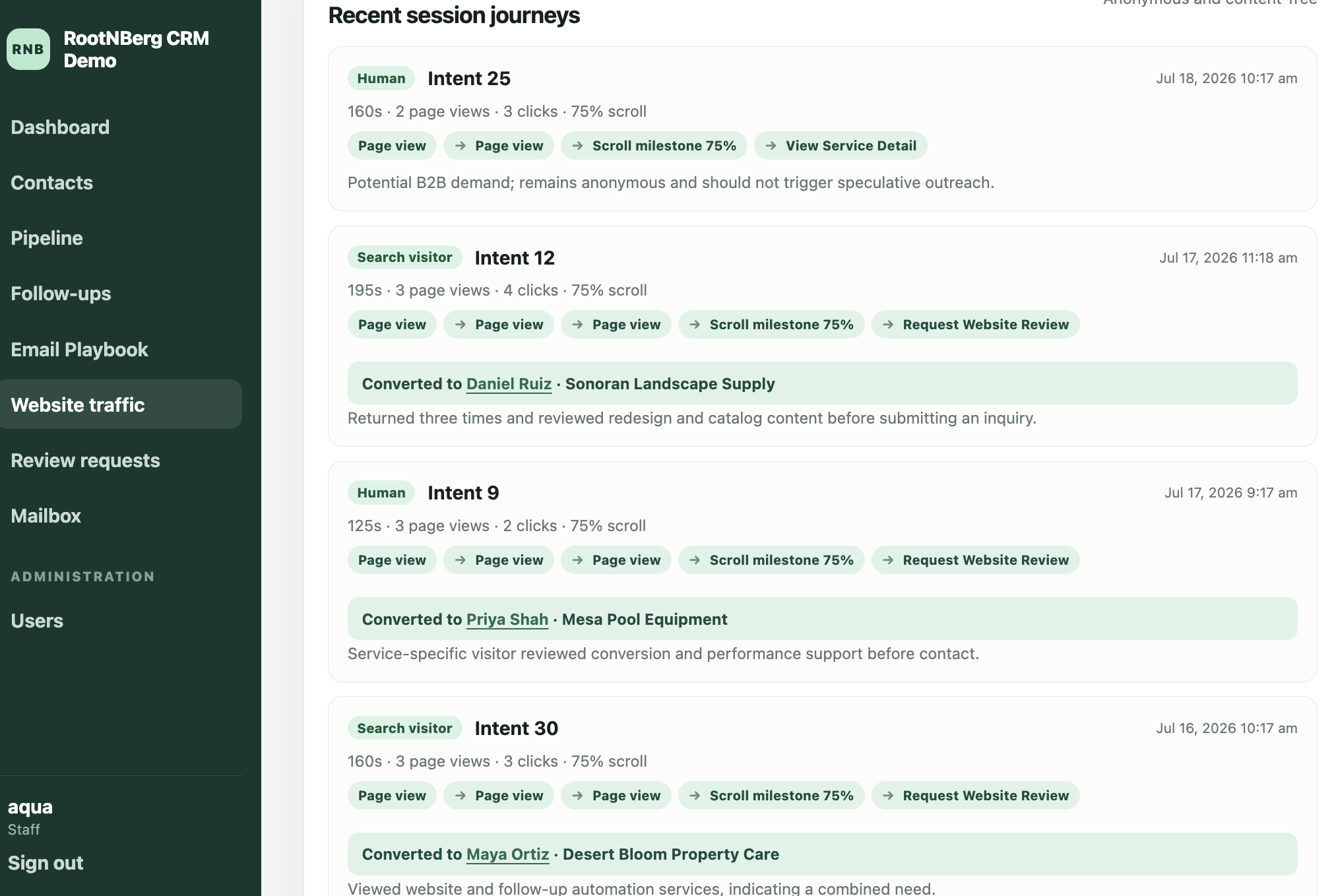
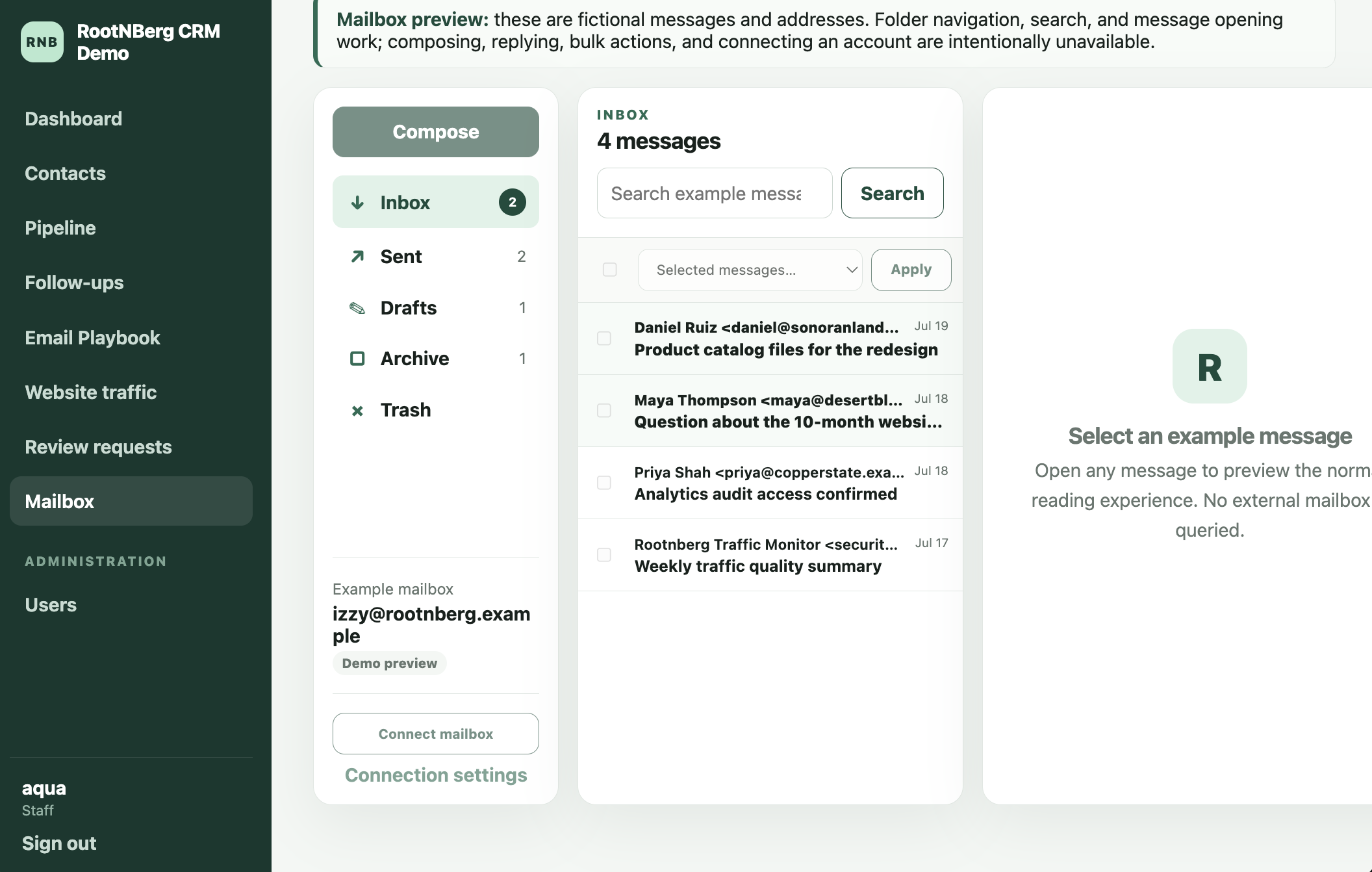
Build your own custom Client Relationship Management(CRM) whitelabeled specific to your business needs!
Turn scattered leads, customer details, follow-ups, and daily operations into one clear system your team can actually use.
Selected Client Work
From technical product launches to ecommerce storefronts and internal business systems, these projects demonstrate how RootNBerg designs around the way organizations actually work.
A technical product and business operations presence for an irrigation system entering field validation.
Visit project
A storefront experience built around products, checkout flow, customer trust, and a cleaner sales path.
Visit project
An informational presence where clarity, credibility, and careful content organization matter more than flash.
Visit project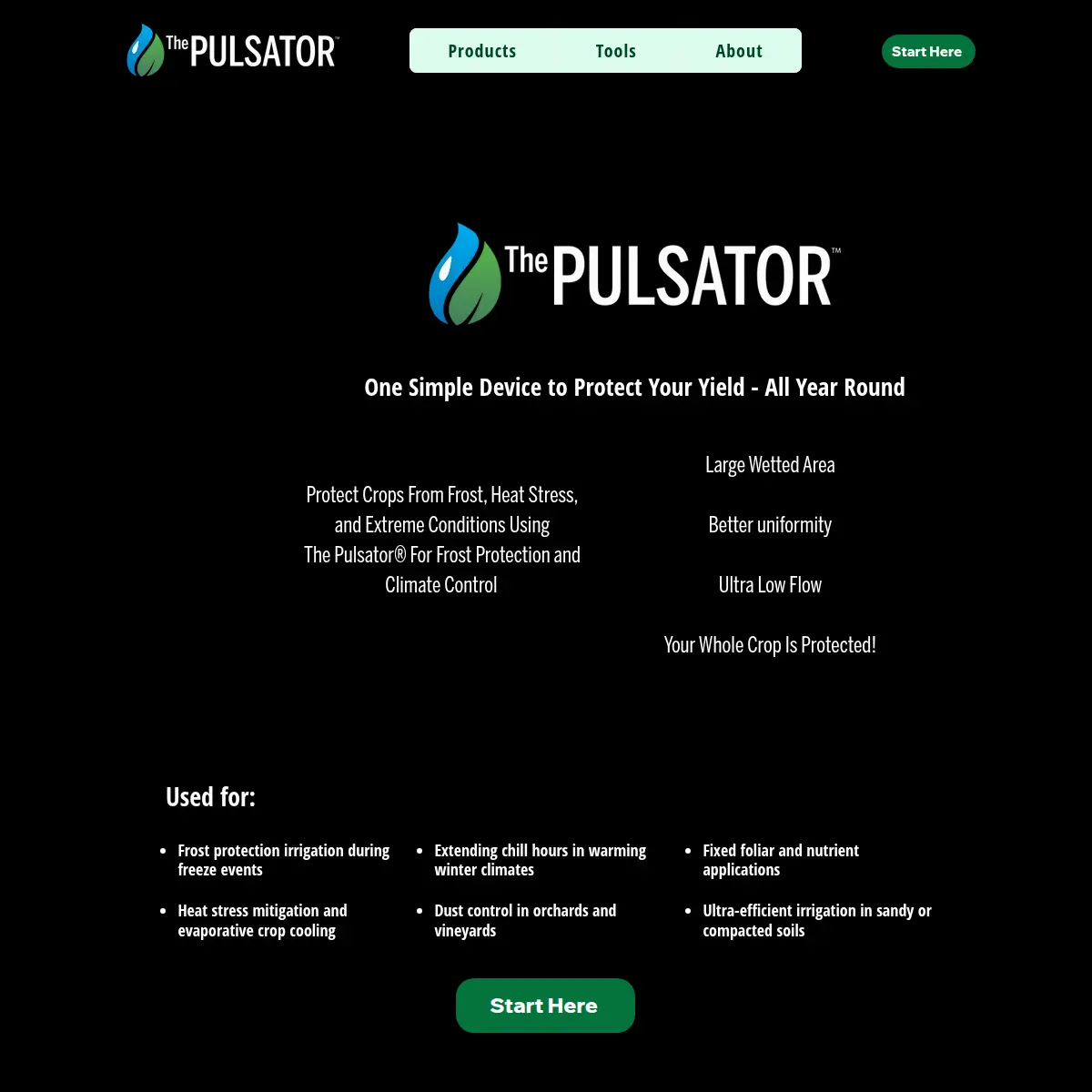
A focused product presentation designed to make the offer easier to understand and discuss.
Visit projectThe page is only the visible part
Choose the problem that sounds familiar. The guide will organize the likely system, the practical first step, and the point where proper discovery becomes necessary.
RootNBerg Systems Guide
Choose the closest situation. We will show you what is usually involved, what can be fixed first, and when a larger system needs to be properly scoped.
Selected situation
Domains, hosting, email, analytics, forms, and administrator accounts have unclear ownership or unreliable access.
Domains, hosting, email, analytics, forms, and administrator accounts have unclear ownership or unreliable access.
Start by identifying what the business controls, restoring essential access, and prioritizing the repairs that protect customer contact and continuity.
ReviewInspect the current web presence, accounts, customer intake, and the handoffs where customers or staff get stuck.
BlueprintDefine the required workflow, users, integrations, data, risks, budget, and implementation path when the project is more complex than a straightforward repair.
Build & ManageImplement the agreed system, test the important handoffs, document how it works, and provide ongoing support when continued management is useful.
A Systems Blueprint is recommended when recovery involves multiple domains, ecommerce, custom applications, migrations, sensitive customer data, several vendors, or unknown ownership.
This is usually an access and infrastructure problem, not an AI problem. Reliable ownership, backups, and documentation come first.
We consider the public page and the operating path behind it together: forms, records, notifications, dashboards, hosting, and maintenance. We explain the work plainly, begin with the smallest useful repair, and expand only when the business case supports it.
Selected situation
Forms, email, social messages, calls, and follow-up tasks reach different places, so inquiries are missed or handled inconsistently.
Forms, email, social messages, calls, and follow-up tasks reach different places, so inquiries are missed or handled inconsistently.
Create a reliable intake and follow-up path, with clear ownership, searchable lead records, statuses, and notifications.
ReviewInspect the current web presence, accounts, customer intake, and the handoffs where customers or staff get stuck.
BlueprintDefine the required workflow, users, integrations, data, risks, budget, and implementation path when the project is more complex than a straightforward repair.
Build & ManageImplement the agreed system, test the important handoffs, document how it works, and provide ongoing support when continued management is useful.
A Systems Blueprint is recommended when several staff members, platforms, integrations, sensitive information, or custom dashboards are involved.
AI may summarize lead details, categorize inquiries, flag missing information, or draft replies. It should not quote complex jobs or make customer commitments without review.
We consider the public page and the operating path behind it together: forms, records, notifications, dashboards, hosting, and maintenance. We explain the work plainly, begin with the smallest useful repair, and expand only when the business case supports it.
Selected situation
Customer details live in inboxes, spreadsheets, phones, notebooks, and staff memory, making history and follow-up difficult to find.
Customer details live in inboxes, spreadsheets, phones, notebooks, and staff memory, making history and follow-up difficult to find.
Bring the useful customer context into one searchable record with clear ownership, follow-up dates, and staff handoffs.
ReviewInspect the current web presence, accounts, customer intake, and the handoffs where customers or staff get stuck.
BlueprintDefine the required workflow, users, integrations, data, risks, budget, and implementation path when the project is more complex than a straightforward repair.
Build & ManageImplement the agreed system, test the important handoffs, document how it works, and provide ongoing support when continued management is useful.
A Systems Blueprint is required when teams need different permissions, records must be migrated, accounting or order systems connect, sensitive information is stored, or roles are custom.
AI can help summarize notes or improve internal search after permissions, source records, and human review rules are clear.
We consider the public page and the operating path behind it together: forms, records, notifications, dashboards, hosting, and maintenance. We explain the work plainly, begin with the smallest useful repair, and expand only when the business case supports it.
Selected situation
Product structure, SKUs, pricing, shipping, inventory, or fulfillment rules are unclear and orders require too much manual handling.
Product structure, SKUs, pricing, shipping, inventory, or fulfillment rules are unclear and orders require too much manual handling.
Organize a straightforward catalog and document the customer-to-fulfillment path before adding more sales channels or automation.
ReviewInspect the current web presence, accounts, customer intake, and the handoffs where customers or staff get stuck.
BlueprintDefine the required workflow, users, integrations, data, risks, budget, and implementation path when the project is more complex than a straightforward repair.
Build & ManageImplement the agreed system, test the important handoffs, document how it works, and provide ongoing support when continued management is useful.
Paid discovery is required for complex product options, multiple channels, marketplace or accounting integrations, custom inventory rules, dropshipping, wholesale pricing, or custom order dashboards.
Conventional catalog, inventory, notification, and order rules should be reliable before AI is considered for support summaries or product assistance.
We consider the public page and the operating path behind it together: forms, records, notifications, dashboards, hosting, and maintenance. We explain the work plainly, begin with the smallest useful repair, and expand only when the business case supports it.
Selected situation
Information is copied between tools, questions are answered repeatedly, follow-up depends on memory, and reports require recurring spreadsheet work.
Information is copied between tools, questions are answered repeatedly, follow-up depends on memory, and reports require recurring spreadsheet work.
Map the repetitive work, identify reliable rule-based improvements, and define the few places where AI interpretation would create a practical advantage.
ReviewInspect the current web presence, accounts, customer intake, and the handoffs where customers or staff get stuck.
BlueprintDefine the required workflow, users, integrations, data, risks, budget, and implementation path when the project is more complex than a straightforward repair.
Build & ManageImplement the agreed system, test the important handoffs, document how it works, and provide ongoing support when continued management is useful.
Use a Systems Blueprint when automation crosses several systems, affects financial or customer commitments, involves sensitive data, or requires custom interfaces.
AI may organize information, summarize requests, assist with drafts, and improve internal search. It should not replace owner judgment, invent claims, publish unapproved communication, or handle sensitive data without safeguards.
We consider the public page and the operating path behind it together: forms, records, notifications, dashboards, hosting, and maintenance. We explain the work plainly, begin with the smallest useful repair, and expand only when the business case supports it.
Selected situation
Updates and backups are inconsistent, access is unclear, certificates or domains may lapse, monitoring is absent, and the site periodically breaks.
Updates and backups are inconsistent, access is unclear, certificates or domains may lapse, monitoring is absent, and the site periodically breaks.
Stabilize ownership and critical services first, then establish a repeatable maintenance, backup, monitoring, and review routine.
ReviewInspect the current web presence, accounts, customer intake, and the handoffs where customers or staff get stuck.
BlueprintDefine the required workflow, users, integrations, data, risks, budget, and implementation path when the project is more complex than a straightforward repair.
Build & ManageImplement the agreed system, test the important handoffs, document how it works, and provide ongoing support when continued management is useful.
A Systems Blueprint is useful when a migration, several applications, custom infrastructure, sensitive data, or multiple responsible vendors are involved.
Monitoring and maintenance should rely on deterministic checks. AI can help summarize logs or incidents, but it should not be the control layer for security or backups.
We consider the public page and the operating path behind it together: forms, records, notifications, dashboards, hosting, and maintenance. We explain the work plainly, begin with the smallest useful repair, and expand only when the business case supports it.
Selected situation
Generic software does not match the operation, and customer, job, order, or support records need a unified interface and clearer visibility.
Generic software does not match the operation, and customer, job, order, or support records need a unified interface and clearer visibility.
Define the users, workflow, data, integrations, migration needs, risks, budget range, and recommended architecture before quoting implementation.
ReviewInspect the current web presence, accounts, customer intake, and the handoffs where customers or staff get stuck.
BlueprintDefine the required workflow, users, integrations, data, risks, budget, and implementation path when the project is more complex than a straightforward repair.
Build & ManageImplement the agreed system, test the important handoffs, document how it works, and provide ongoing support when continued management is useful.
A Systems Blueprint is required. Custom dashboards, internal applications, migrations, integrations, and sensitive-data workflows should not receive a fixed build price before discovery.
AI may support classification, summaries, drafting, or search where useful, but the system must remain reliable and usable without unreviewed model decisions.
We consider the public page and the operating path behind it together: forms, records, notifications, dashboards, hosting, and maintenance. We explain the work plainly, begin with the smallest useful repair, and expand only when the business case supports it.
Selected situation
The business sees potential in AI but has not mapped the repetitive work, approval points, privacy boundaries, or places where ordinary automation is better.
The business sees potential in AI but has not mapped the repetitive work, approval points, privacy boundaries, or places where ordinary automation is better.
Identify safe, useful opportunities and explicitly document where rules, forms, filters, databases, and notifications are more reliable than AI.
ReviewInspect the current web presence, accounts, customer intake, and the handoffs where customers or staff get stuck.
BlueprintDefine the required workflow, users, integrations, data, risks, budget, and implementation path when the project is more complex than a straightforward repair.
Build & ManageImplement the agreed system, test the important handoffs, document how it works, and provide ongoing support when continued management is useful.
A Systems Blueprint is required when AI connects to sensitive data, performs actions across business systems, affects customers, or needs a custom application and approval workflow.
Use AI where interpretation, summarization, classification, drafting, or search materially improves the workflow. Do not add it merely because it can be added.
We consider the public page and the operating path behind it together: forms, records, notifications, dashboards, hosting, and maintenance. We explain the work plainly, begin with the smallest useful repair, and expand only when the business case supports it.
Package recommendation
Select the situation that best matches your business. We will show you the most practical place to start.
A fix-first review for unclear problems, lost inquiries, account uncertainty, or several small issues that need a prioritized plan.
For broken or outdated websites, lost access, unreliable forms or email routing, and confusing hosting.
A credible initial web presence for a new or early-stage business with straightforward customer contact needs.
A dependable intake and follow-up workflow for quote requests, lost leads, and inconsistent staff notifications.
Searchable customer records for service history, internal notes, tasks, files, and staff handoffs.
A clean ecommerce foundation for a straightforward catalog, product structure, payments, shipping, and orders.
A tailored operational system for customers, jobs, invoices, requests, support history, and internal records.
Guided intake for businesses that miss evening or weekend inquiries or repeatedly answer the same questions.
A practical map of repetitive workflows, documentation gaps, safe AI-assistance opportunities, and human approval points.
Ongoing technical ownership for hosting, updates, monitoring, backups, analytics, content, and continued improvements.
Required paid discovery for custom dashboards, integrations, migrations, sensitive data, ecommerce operations, and internal applications.
A clear next step
We can review what exists, identify the cleanest next step, and turn the important pieces into a system your customers and staff can actually use.
Request a Website & Workflow Review